
Money & records
Know what was
recorded and why.
Money needs a clearer record than a paid or unpaid badge. Follow receipts, pupil credit and Lesson charges as separate facts.
Built around your working day
A payment is only one part of the story.
Pupil card payments and Stripe account connections are not currently enabled. The planned software subscription is separate from the money pupils pay you.
The practical picture
What does the Money view show?
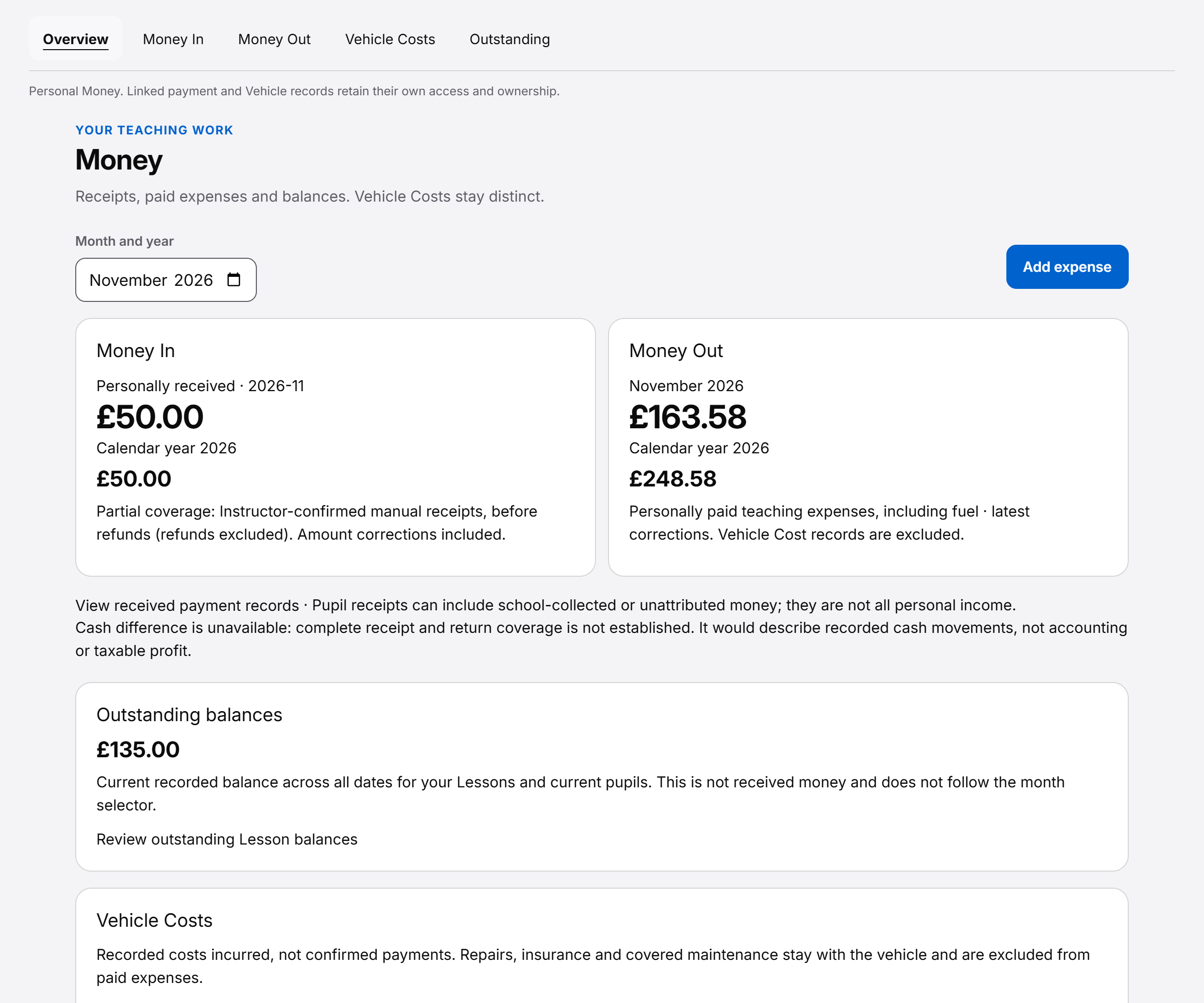
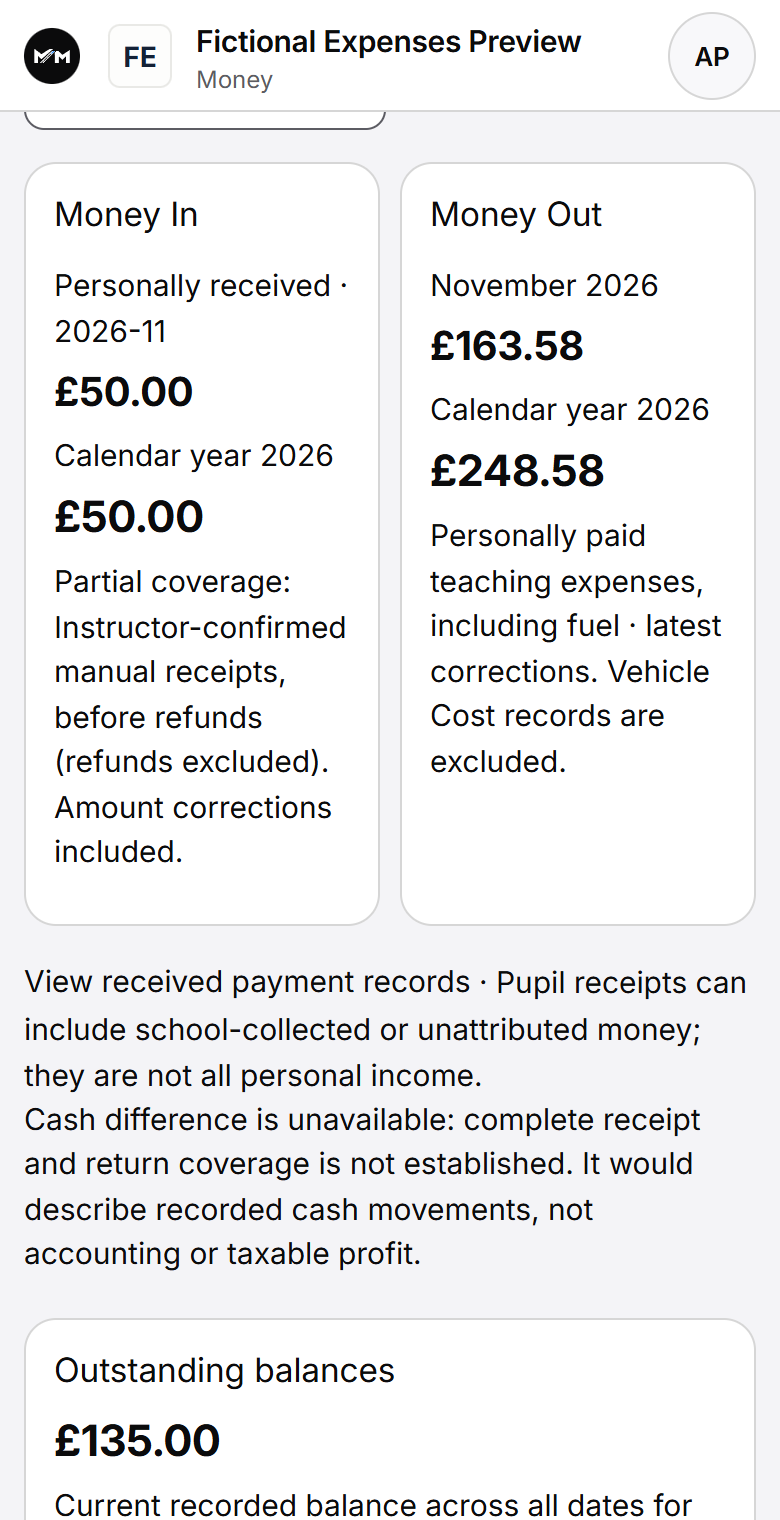
Record a payment already received and see how it relates to a pupil. Where Lesson accounting is enabled, keep charges and outstanding amounts distinct from available pupil credit. A correction adds a reasoned entry, preserving the original record. Receive Payments lets you review permitted payment preferences, such as cash, bank transfer or pupil credit. These settings do not switch on card collection. Your own settings do not grant school-wide payment control. Teaching earnings and statements are separate from pupil receipts; a statement is not proof of money paid.
Pupil card payments and Stripe account connections are not currently enabled. The planned software subscription is separate from the money pupils pay you.
Follow the money
Received, available, held and outstanding are different amounts.
- Payment received
- A record of money you actually received, such as cash or a bank transfer, using the permitted manual methods. Choosing a method or recording an amount does not collect money.
- Pupil credit
- Money available on the pupil account after relevant uses and live booking holds. It is a monetary balance, not prepaid lesson hours or a package entitlement.
- Held credit
- Money protected for a pending eligible booking. It is separate from freely available credit and from a payment newly received.
- Lesson money
- Where lesson accounting is enabled, the lesson value, credit applied and outstanding amount describe that lesson. Balance-only tracking does not provide individual lesson paid or outstanding amounts.
An example of lesson accounting
£120 received. £60 applied. £60 available.
This matches the illustration above: one payment and one lesson, with no other charges or holds. It describes records, not a card transaction or a sale of hours.
Record the receipt
Amelia pays £120 by bank transfer outside Miles & Minutes. An authorised user records the real payment received; the pupil account reflects that money.
Apply credit to the lesson
£60 of pupil credit is applied to a £60 lesson charge. The received-payment record and the use of credit remain separate facts.
Explain the balance
£60 remains available, with £0 held and £0 outstanding for that lesson. Those amounts do not say how many lesson hours the pupil has purchased.
When a figure needs changing
Keep the original record and the explanation.
A payment correction adds a reasoned record instead of silently replacing the original received-money facts. The history helps explain what was recorded first and how the effective amount changed.
Cancelling a lesson is not the same as undoing a received payment. The applicable cancellation and charging rules determine the lesson outcome. Where cancellation is free, relevant credit allocations are reversed and booking holds released; a chargeable cancellation is a different outcome.
Released credit is not proof that a bank refund was sent. A reversal of credit use and the movement of real money outside the product must not be treated as the same event.
See booking checks and cancellations for the scheduling side.
Who can see the record?
Useful receipts, with access shaped by responsibility.
Authorised users can review payment receipts and permitted finance exports. The pupil’s Money view shows their own relevant pupil credit, receipts and, where enabled, lesson amounts. Office access depends on separate finance permissions.
Reports describe recorded received money and defined operational figures. They are not advertised as tax accounts, MTD submission, revenue recognition or Instructor commission settlement.
The pupil workspace and school responsibilities explain the relevant views.
Questions answered
Clear answers about money.
Find answers to common questions about this part of your working day.
Can I record payments I have received?
Yes. Authorised users can record money already received, such as cash or a bank transfer, and keep it linked to the pupil. Recording it does not collect the money again.
Can a pupil pay by card through Miles & Minutes?
Not currently. Pupil card payments are not enabled. Record payments received outside the software using the permitted manual methods.
Can I connect my own Stripe account?
Not currently. Stripe account connections are not enabled. The Receive Payments area lets you review permitted payment preferences; seeing those settings does not mean card collection is available.
Is my software subscription separate from pupil payments?
Yes. The planned subscription pays for your use of Miles & Minutes. Pupil payments are money paid to you or your school for teaching. Public subscription checkout is not open.
Is pupil credit a number of prepaid hours?
No. Pupil credit is money. It stays separate from lesson duration and any package entitlement; public package sales are not offered.
Can I see pupil credit and outstanding lesson charges?
Yes, where the relevant finance tracking is enabled. Available pupil credit shows money still available to use. Lesson accounting also shows individual lesson charges and outstanding amounts. Balance-only tracking shows account money without marking individual lessons paid or unpaid.
Can I correct a payment?
Authorised finance users can make reasoned corrections. The original received-money record and correction history are retained rather than silently rewritten.
Does cancelling a lesson mean the pupil was refunded?
Not necessarily. Cancellation rules determine charges and credit reversals. Released pupil credit is not evidence that a real bank or cash refund was made. Authorised users can record money returned outside the software; provider card refunds are not currently enabled.
Can pupils see receipts, and can the school export data?
Authorised pupils can see their own permitted money records and receipts. Permitted school users can use scoped reporting and finance exports; this is not an accounting-system integration.
For a concise reference to access, mobile delivery and product boundaries, read About Miles & Minutes.
Practical reading
Work through the question.
Keep exploring
See how it connects.
Early Access
Register your interest.
Register interest in an upcoming cohort. An invitation or launch benefit is not guaranteed.