
Resources / Guides
Useful guidance.
For the working day.
Practical guides for instructors, school teams, pupils, PDIs and Trainers. Find a clear explanation or follow the steps for the task in front of you.
Start with the Diary
How to organise a driving instructor diary
A useful diary tells you what you have agreed, what you cannot use and what you could still offer. Start by separating those facts, then build a week you can actually teach.
Read the guide
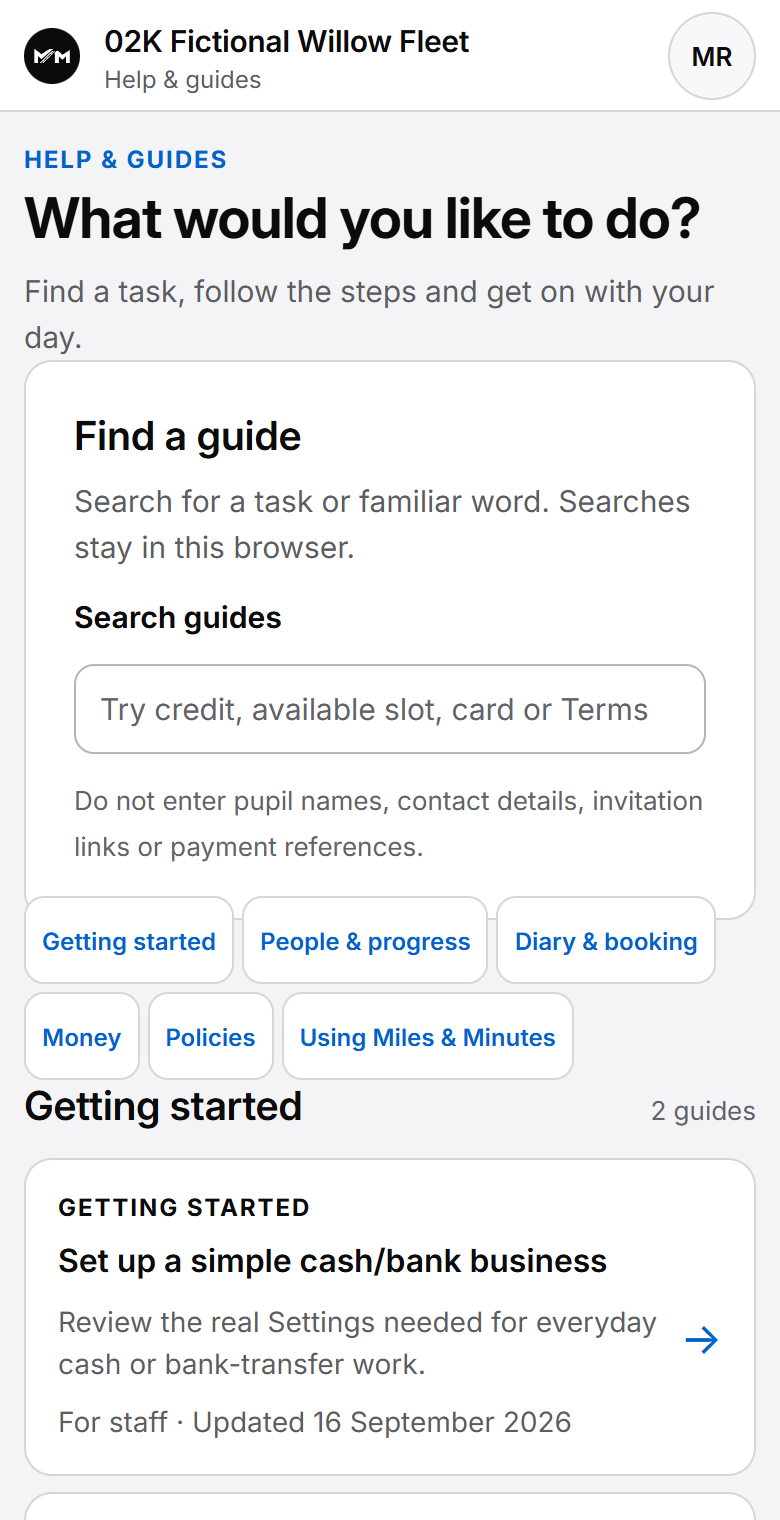
Find your way around the current workspace
Start from Home for the next Lesson, items needing attention and upcoming work. In Diary, choose the date, Instructor, Calendar or Agenda and range. Open an existing Lesson before changing its arrangement; an empty gap is not a public booking offer.
Open Pupils and choose a learner. Lessons holds appointment history; Progress holds recorded learning. Details groups Learning and Records & admin, with Notes available when needed. Other sections depend on your account permissions.
Teaching Aids is available from the authorised teaching workspace, including More on a phone. Choose a road layout and use vehicles and arrows for a parked discussion. Receive Payments shows the payment preferences your role permits. These settings do not enable card collection; pupil card payments and Stripe account connections are not currently enabled. School policy and Instructor pay have separate authority.
Use Appearance for theme and Light, Dark or System mode. Academy management and private Professional Development are different workspaces. Use the Help centre in your authorised account for full instructions.
Explore instructor feature information. These orientation notes were checked against the deployed 3 November 2026 UX. The articles below retain their individual review dates.
Diary & scheduling
How to organise a driving instructor diary
Plan working hours, confirmed Lessons, unavailable time and open capacity. A practical diary routine with travel, meeting points and changes kept clear.
How to manage recurring driving lessons
Agree a weekly or fortnightly Lesson pattern, handle one-off exceptions and stop future recurrence while keeping earlier Lessons and their history intact.
How to handle cancellations and rescheduling cleanly
Record a moved or cancelled Lesson, preserve its history and check the separate money outcome. A practical change routine without prescribing cancellation terms.
Pupils & progress
How to keep useful driving lesson progress records
Connect Lesson notes, syllabus progress and published pupil feedback. Use clear examples to build continuity without turning records into test-readiness predictions.
What should a pupil be able to see between driving lessons?
Use the next Lesson, meeting point, published feedback, progress, Money and requests between appointments. Keep self-service clear without silently changing confirmed work.
Money & payments
Understanding driving lesson payments, credit and balances
Follow a fictional payment from receipt to Account Credit and Lesson charge. Understand available and held money, outstanding amounts, corrections and reversals.
Booking & availability
When is a driving lesson actually booked?
Distinguish availability, a request, an offer, temporary reservation and confirmed Lesson. Check the actual outcome before treating a proposed time as booked.
Driving schools
What changes when a driving school grows beyond one instructor?
Plan pupil assignment, office and teaching responsibilities, scoped finance access and staff handovers. Keep school visibility useful without giving everyone every record.
PDI & Trainer development
How to keep PDI training records clear and useful
Separate a training proposal, confirmed appointment, attendance and feedback from qualification and teaching-authority evidence. A practical record routine for PDIs and Trainers.
Managing multiple trainee driving instructors as a Trainer
Prepare assigned trainee work, separate calendar commitments from proposals, record attendance and feedback, and carry a clear next action into the following session.
These public guides explain concepts and representative workflows. For the exact controls available in your authorised account, use its Help centre. Product sections describe current controlled access; they do not offer public sign-up.
Explore instructor feature information or compare software using dated vendor sources.
Miles & Minutes
See the product
behind the guidance.
Explore the Diary or the school workspace to see how the day’s records connect.
Explore Diary & scheduling