
For trainee instructors, trainers and providers
Your journey to
becoming an instructor.
As a potential driving instructor (PDI), keep training appointments, feedback and progress together as you prepare for the next step. Work with your assigned trainer and return to the details that help you develop.
Explore the training journeyA connected view of training
For aspiring instructors
Build on each training session.
See your appointments, trainer feedback and relevant evidence in one place, so you can reflect on progress and prepare for your next session.
Access depends on your provider and role. Training records support your journey; qualification and permission to teach remain separate decisions.
Three perspectives on training
A clearer view for you and your trainer.
- For the PDI
- See your training appointments, published feedback and relevant evidence in your own view. Return to your progress and prepare questions for the next session.
- For the Trainer
- Your assigned trainer can see the work and appointments within their agreed access, record attendance and feedback, and help plan the next session.
- For the provider
- Authorised provider staff can coordinate trainees, trainer assignments, appointments and evidence. Recorded targets help planning; they are advisory.
Planning and evidence
Know what is planned and what happened.
A proposed training time does not reserve a slot. Once an appointment is confirmed, it appears as a commitment; attendance and feedback can be recorded afterwards.
Your training calendar and agenda show the work available to your role. An optional diary overlay keeps training separate from pupil lessons. Conflict protection for confirmed appointments operates within the same provider.
Where supported, an accepted supervision arrangement can link a confirmed training appointment to a specific pupil lesson and named trainer. The lesson and its money records remain separate.
For the normal teaching calendar, see Diary and scheduling. Provider work has its own responsibilities.
Important distinctions
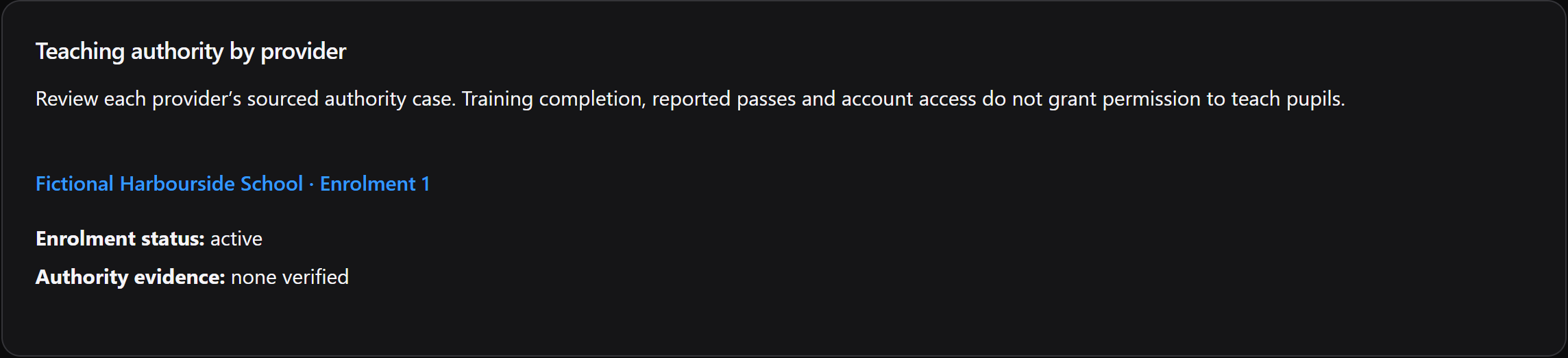
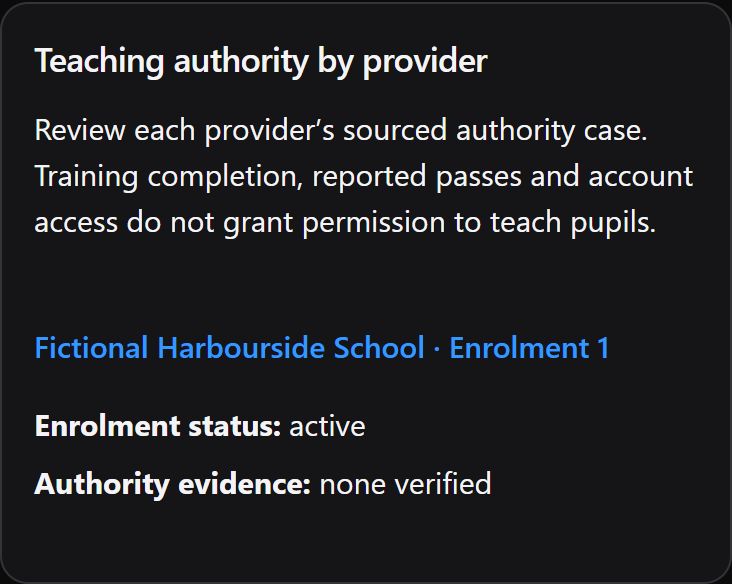
A training record does not grant permission to teach.
- Training evidence
- Appointments, attendance and feedback describe learning and practice. They do not award a qualification or automatically create statutory training credit.
- Qualification information
- Qualification evidence and its review have their own context. Completing a training activity does not itself prove that a PDI has qualified.
- Teaching authority
- Evidence about permission to teach is separate again. A qualification record alone does not activate authority or an Instructor’s operational role.
- An active Instructor role
- Working with pupils depends on the appropriate current role and teaching relationship. A Trainer assignment, cohort membership or training appointment does not grant it.
Learning from the record
Mock feedback is evidence for a conversation, not a prediction.
Training records include Trainer-recorded Part 2 and Part 3 mock evidence, published feedback and retained attested revisions. The PDI can acknowledge and reflect on published material; permitted provider users have their own review context.
A trainee could review published mock feedback with their assigned Trainer and use it to plan another session. The feedback supports that discussion. It does not predict a DVSA result, establish official readiness or replace an official assessment.
Private ADI and Trainer professional development is a separate personal record, rather than provider-owned evidence. See why human decisions and distinct records matter and the current access stages. The Trainer workflow guide explains assigned training work. Provider-management access requires separate permission.
Your next step
From preparation to teaching.
Use your training record to revisit feedback and discuss your next steps with your trainer. When you have the appropriate teaching authority and an active Instructor role, the diary and pupil records support your teaching work.
Qualification, teaching authority and account access are separate checks. Completing training does not automatically activate an Instructor role or transfer records.
A 30-day free trial is built into new business registration: no payment details are needed and there is no automatic charge. Access is currently by invitation; new business registration and trial sign-up are closed, including public self-service registration. There is no separate free PDI offer.
Questions answered
Questions about your training journey.
Find answers to common questions about this part of your working day.
Does Miles & Minutes decide whether a PDI is qualified?
No. It keeps training and qualification evidence distinct. Training attendance or completion does not award a qualification.
Does mock feedback predict a Part 3 result?
No. Trainer-recorded mock evidence and published feedback support learning and reflection. They do not predict an official result or grant teaching authority.
Can Trainers see every trainee?
No. Trainer access follows accepted assignment and its permitted scope. Provider-management access is a different responsibility; cohort membership alone grants no access.
Can providers manage training appointments?
Authorised provider roles can coordinate appointments and assignments. Proposals remain non-reserving, confirmation is separate from attendance, and conflict protection has a defined same-provider scope.
Does it replace DVSA systems or official checks?
No. No automated DVSA connection, official qualification decision or teaching-authority grant is advertised. Human and official decisions remain separate from the recorded training work.
Does finishing training activate an Instructor account?
No. Training, qualification, teaching authority and the active Instructor role are separate. An appointment or completed activity does not automatically activate teaching access.
For a concise reference to access, mobile delivery and product boundaries, read About Miles & Minutes.
Practical reading
Work through the question.
Keep exploring
See how it connects.
Understand the approach behind these records: Why Miles & Minutes.
Early Access
Register your interest.
Register interest in an upcoming cohort. An invitation or launch benefit is not guaranteed.